Showing posts with label Computer. Show all posts
Computer trick creating empty files with any size
Weird isn't it? The file is empty but the file is 1 GB. Not really, evem 100 GB can be made as long as your hard drive computer have enough free space to store it.
Question is, why create an empty file with big size? Hmmm... you know the answer better.
So how to creating empty files with big size?
Aditia Pikarin will show you how to do that in Windows 7:
Labels:
Alternative,
Computer,
Trick,
Windows
Computer trick Force enable Aero in Windows 7
If you ran Widnows 7 update advisor on your computer and it says that your graphics card cannot run Aero (the glass like interface of Windows 7)? Worry no more, if you could run it in Windows Vista with the same computer you have, you can run Aero in Windows 7 too no matter what it says.
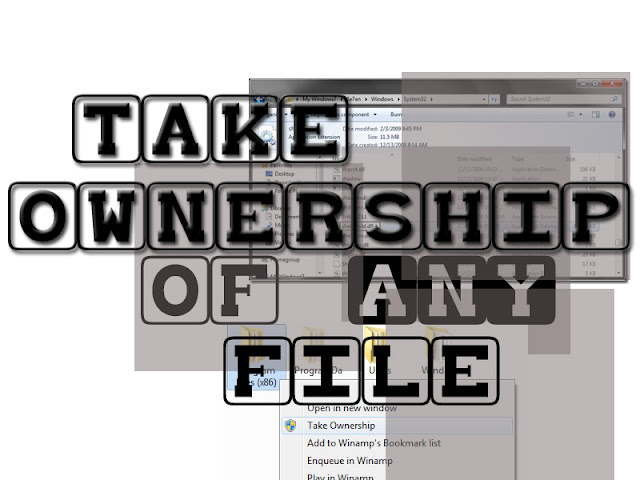
Computer trick how to take ownership of any file

When you purchase a windows especialy windows 7 and want to copy or modify a file, sometimes windows 7 protect the files and folder and won't let you to copy or modify that file.
So how to copy or modify a file or folder that can't be rename or copy ?
well there are several ways to solve this, one of them is to take ownership files in the computer.
Aditia Pikarin will share the easy way how to take ownership in your computer.
Labels:
Alternative,
Computer,
Trick
Computer tips maintaining the computer
Here I will explain about how to care for both maintenance of computer from software, as well as maintenance from hardware that is often to forget. The following tips:
1. Defrag your hard drive regularly.
Disk Defragmenter works to organize and sort your hard drive files on the basis of its kind in such a way that will facilitate the read / write which causes the workload will be lighter which can ultimately extend the life of the hard drive. To perform the Disk Defragmenter on your computer,
Computer trick Speed Up Taskbar Thumbnails Preview in Windows 7
Windows 7 has provided a cool feature with ability to preview taskbar thumbnails whenever the mouse is hovered on the program icon. However, you may notice that it does have some latency to display the preview after mouse over the icon. To speed up the thumbnails preview, you can change the delay time with simple steps.
Computer trick boost your internet connection
Ah, internet. Is that one thing that can connecting many computers in many places, but what if your connection is so slow? Is that your isp fault, or even your computer? Well it can be, but you can increase your internet speed by your own without any softwares.
How to boost your internet speed without any software?
Here are the steps:
Computer Tips knowing hard drive from its sounds
As with the other device, computer hard drive or laptop that we use also has age. If it is long enough sometimes Hardisk certain noises. Well if you have issued a hard drive specific sound (strange) and can still be use or access, important data should be secured immediately, for example with the backup data to other media.
Almost all of the hard drive making a different sound if this hard drive is having problems or is close to his age, but each vendor Hardisk usually sound different. How do we know this strange noise in hard drive that we use?
The differences of 32-bit operating system with the 64-bit
The differences of 32 bit (x86) with 64 bit (x64) is in terms of useable memorry (RAM) size and speed of process.
Simply put that 32 bit and 64 bit is like a toll gate. A 32 bit from the 45's era (only 4 gates), 64 bit built when the era of 2010 with the more number of gates, and already use computers (not counting using fingers again)
Labels:
Computer
Computer trick maximize the processor's cache
On the Windows Operating System usually reading the cache processors is not optimal, so the speed is less satisfactory. Well, how to maximize processor cache is as follows:
Computer Trick Optimize the TCP auto Tuning
If you like to sufing the Internet you certainly know about tcp auto tuning, but in Windows Operating System it only setting in standart set and it's not optimal.
To optimize it you must setting it so the load on the modem will be reduce and you can suft the net more smoothly.
Subscribe to:
Comments (Atom)